
Wishlist on Home
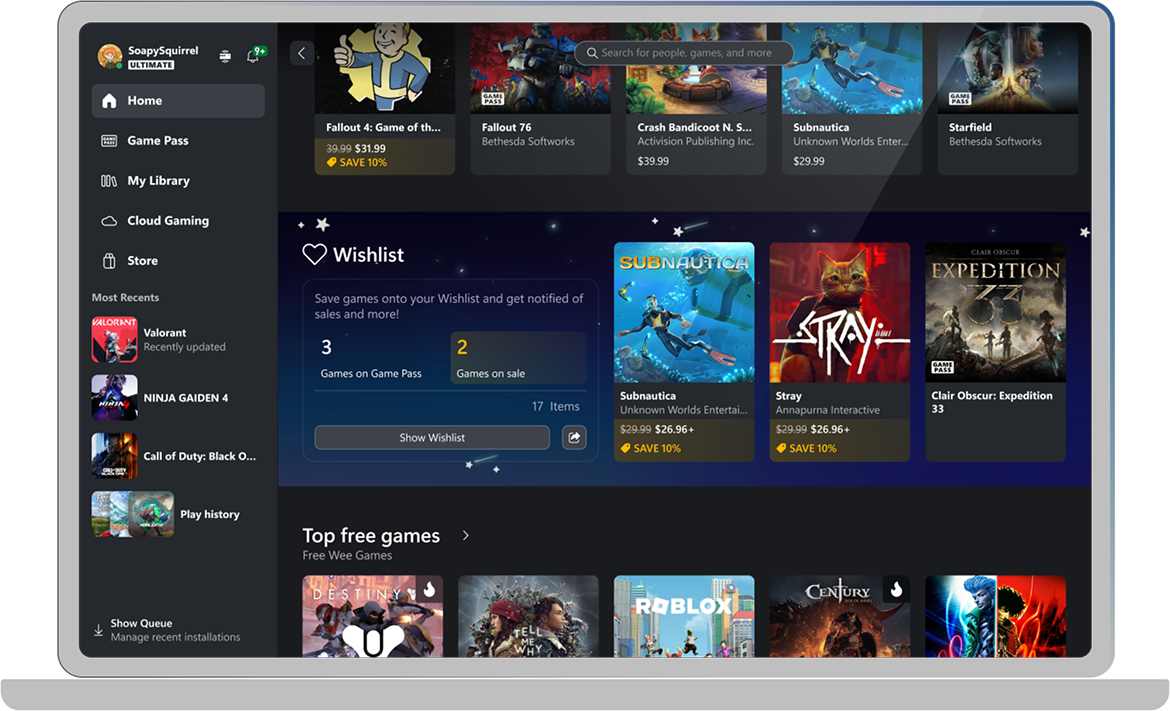
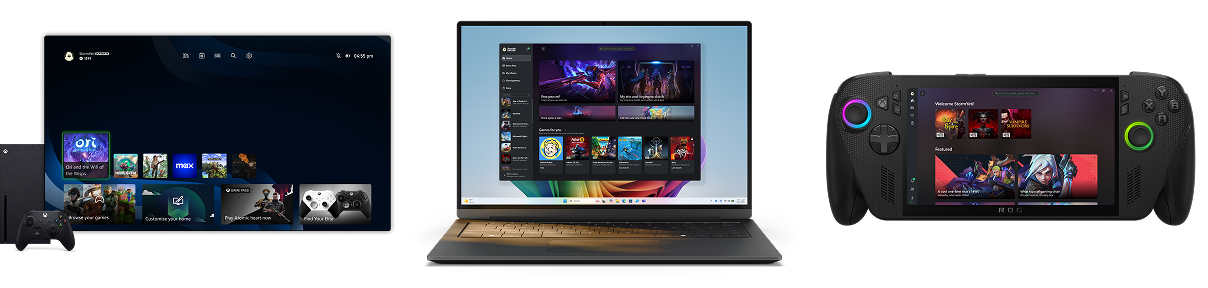
Increasing wishlist engagement and revenue by surfacing Wishlist on home for PC and handheld players — making the Xbox app home feel more like the player’s own space and reducing the effort to rediscover games they already saved.
Overview
Wishlists help players save games for later, sales, and release notifications — and they connect players to platforms and publishers. On PC, wishlist was underused partly because it was hidden from home. Console patterns showed that a wishlist channel on home successfully drives engagement by reducing rediscovery effort. We hypothesized that bringing Wishlist to the player’s homepage on PC and handhelds would increase engagement and revenue, and make home feel more personal — aligned with the framing on my portfolio: increasing purchase-loop engagement through surfacing wishlist content on home.
Problem
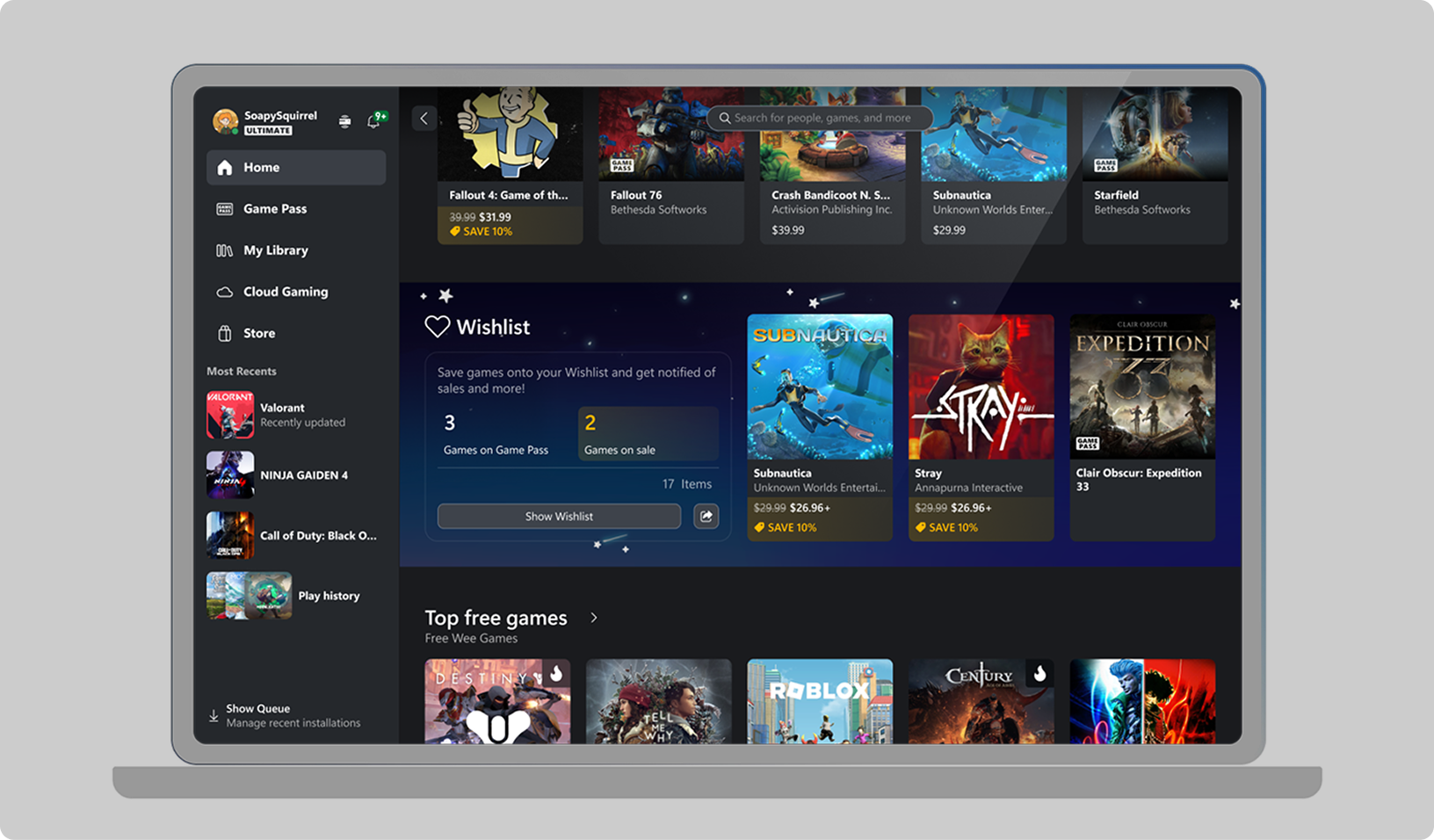
Wishlist is high-intent, but on Xbox PC app it was easy to miss: only a tiny fraction of players purchased from wishlist. When players did use wishlist, a large share of their purchases still traced back to it — so the opportunity was discovery and surfacing, not the underlying value of the list itself.

Endpoints: PC desktop and handhelds — channel patterns borrowed from successful console wishlist experiences.
Solution
We explored channel layout and styling using existing templates while still surfacing key details (for example, how many wishlisted games were on sale). We evolved the home background toward a “wish upon a star” visual direction — from Midjourney exploration prompts through mockups shared with Marketing/Editorial to custom art for Wishlists. The empty state became a teaching moment: help players understand how to wishlist from the L1 when the channel was new to them.

Challenges
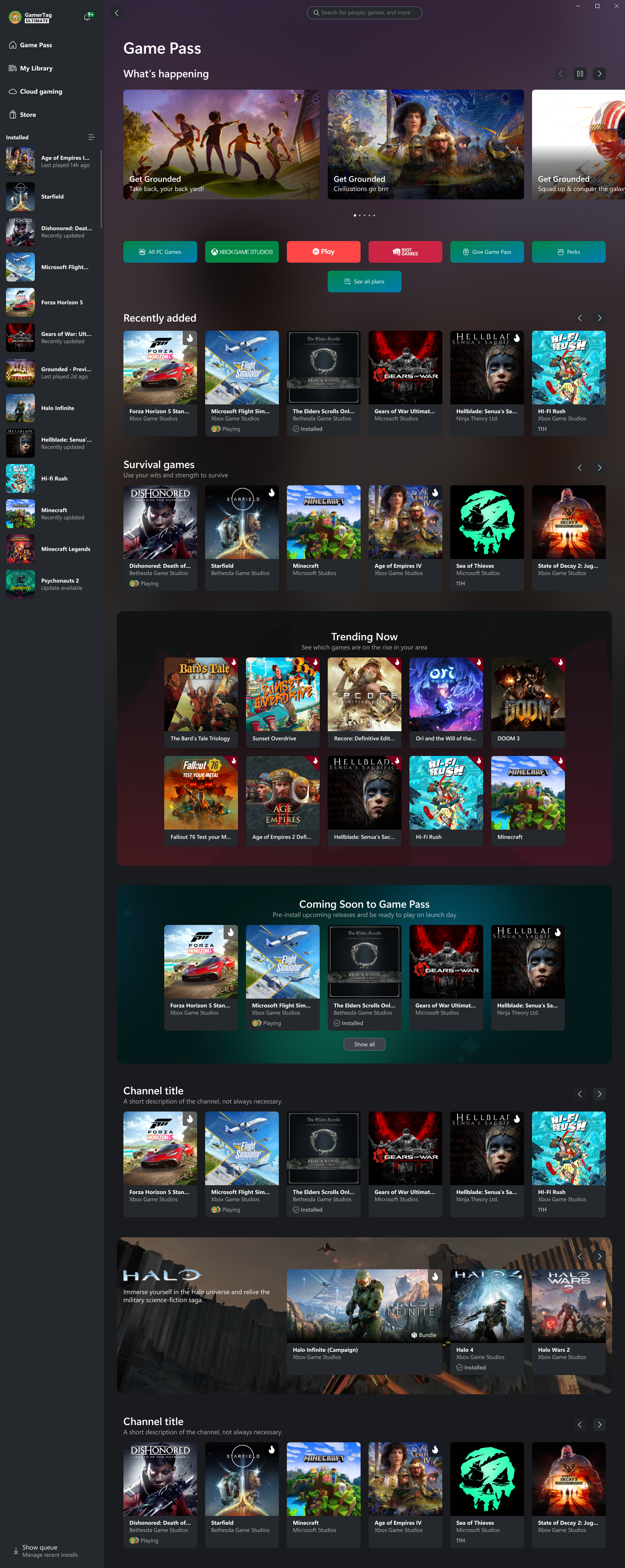
Balancing template efficiency with merchandising clarity
Reusing channel templates saved development time but risked hiding the details that motivate purchases (like sale counts). We iterated on the additional detail section and L1 interactions until we landed on the right density of information and action.
Brand and delight in a games-first shell
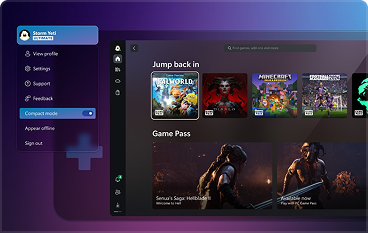
The Xbox app UI often lets game art lead; Wishlist was a chance to add more deliberate color and story while staying on-brand. Partnering with editorial and marketing on the final art direction helped land a cohesive, shippable expression.
_ Option 2b 1.png)
Through a one-month experiment we saw increased wishlist engagement and game sale revenue — players cleaned up old lists, saved new interests, and engaged more with sales and purchases.
Conclusion
Surfacing Wishlist on home connected a high-intent behavior to the place players already start sessions. The work combined systems thinking (templates, endpoints), visual storytelling (background and empty states), and measurable experimentation — a pattern I continue to use for discovery features at Xbox.
This is only an overview of the work. If you would like to learn more, please reach out :)